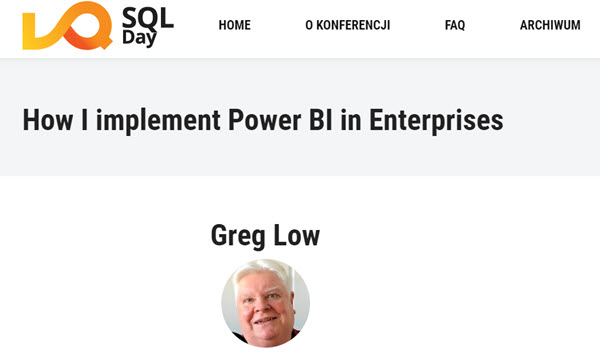
SQL Day 2021 is on, and I'd love to see you in my Power BI pre-con
One of my favourite conferences each year is SQL Day. It’s run by an enthusiastic group from Poland, and when I’ve attended in person, I loved it. This year it’s virtual, and the upside of that, is you can attend from anywhere.
As part of the conference, I’m running a pre-con workshop. It’s a low cost one day course on How I Implement Power BI in Enterprises. You’ll find info on it here. The course is running on Poland time, but it looks to me like the times will suit a pretty wide variety of people, including from here in Australia.
2021-04-16