Ssms-Tips-Tricks

SSMS Tips and Tricks 3-3: Apply cut or copy commands to blank lines when there is no selection

SSMS Tips and Tricks 3-3: Apply cut or copy commands to blank lines when there is no selection

When I’m doing a lot of query editing, I often get a bit mesmerized, particularly if there’s a lot of manual copy and paste or cut and paste going on.

One thing that often drives me crazy is when I use Ctrl-C (ie: copy) when I meant to use Ctrl-V (ie: paste). Invariably, I do this when I have nothing highlighted at all. So not only did I not get the value pasted, I just copied an empty value into the clipboard.

2025-07-02

SSMS Tips and Tricks 3-2: Useful keyboard shortcuts

SSMS Tips and Tricks 3-2: Useful keyboard shortcuts

Visual Studio is a very configurable tool, and particularly in the area of keyboard shortcuts. Because SQL Server Management Studio (SSMS) is based on Visual Studio, it inherits many of these configuration options. SSMS has a very rich set of keyboard shortcuts. Without trying to cover most of them, I do want to highlight a few that I think are really important to know how to use.

Let’s start with an easy set of commands.

2025-06-30

SSMS Tips and Tricks 3-1: Using line numbers and Go To

SSMS Tips and Tricks 3-1: Using line numbers and Go To

If you ever have long scripts in SQL Server Management Studio and need to refer to a particular line, it can be helpful to have line numbers shown. This is even more useful if you ever need to write a set of instructions for someone on how to modify a query, or if you are trying to describe how a query works.

Instead of having a query like this:

2025-06-28

SSMS Tips and Tricks 2-13: Using environment color themes

SSMS Tips and Tricks 2-13: Using environment color themes

One feature that many developers have been asking the SSMS team for, is the ability to use a dark mode.

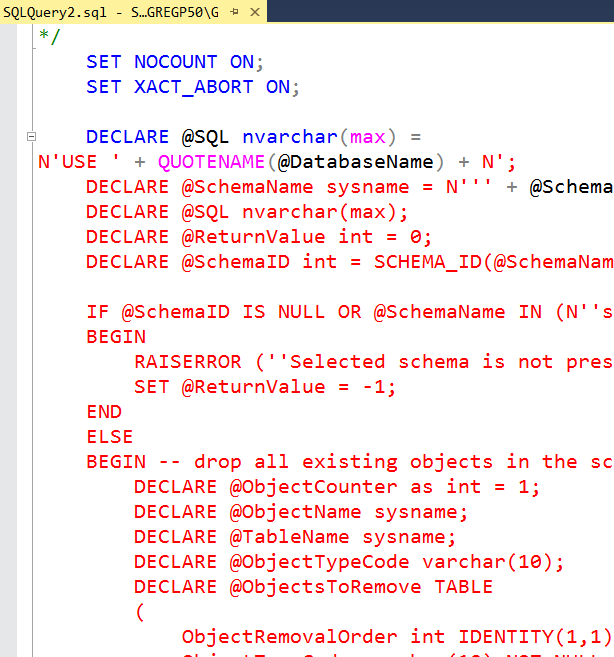
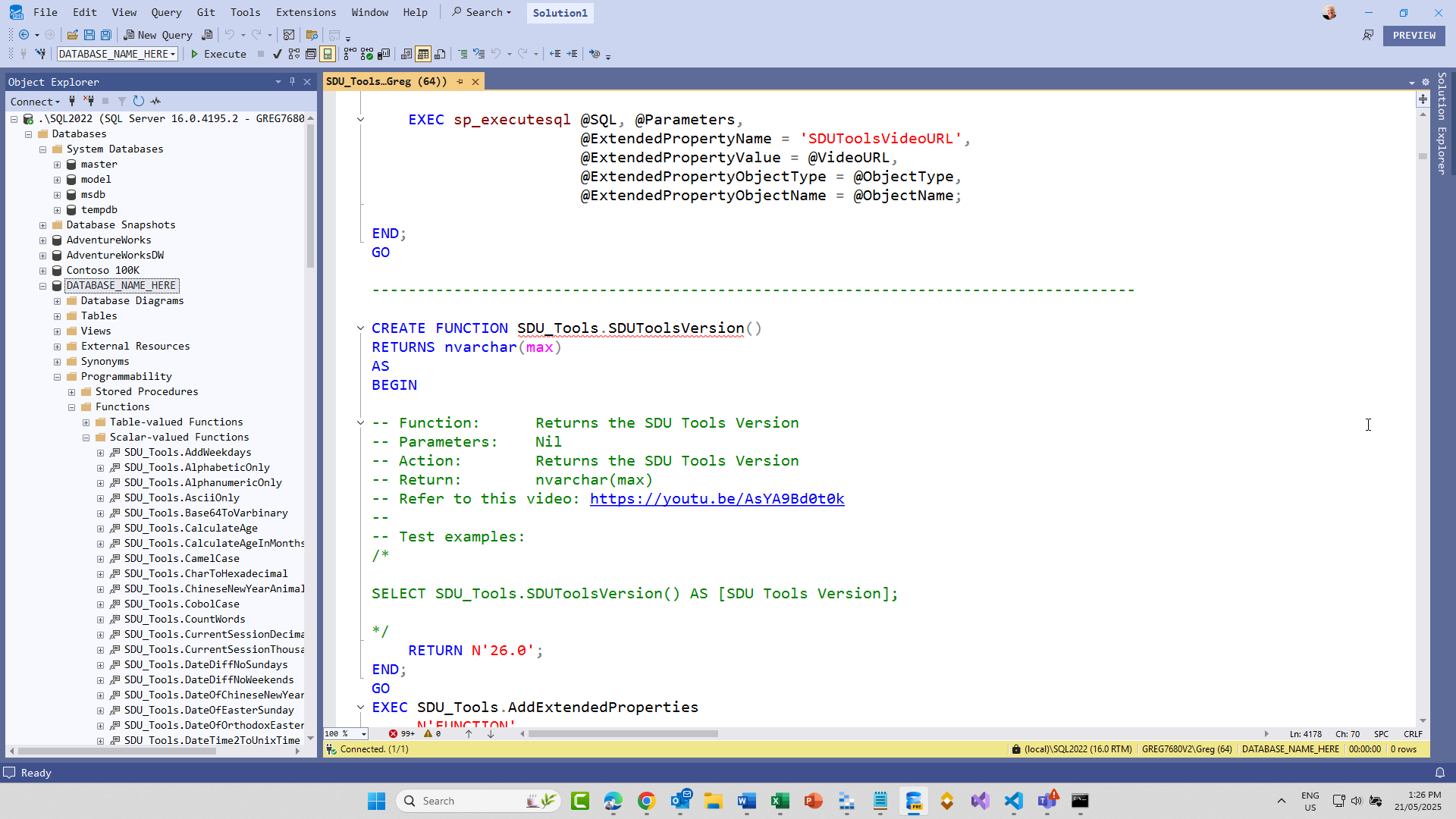
Instead of a screen that looks like this:

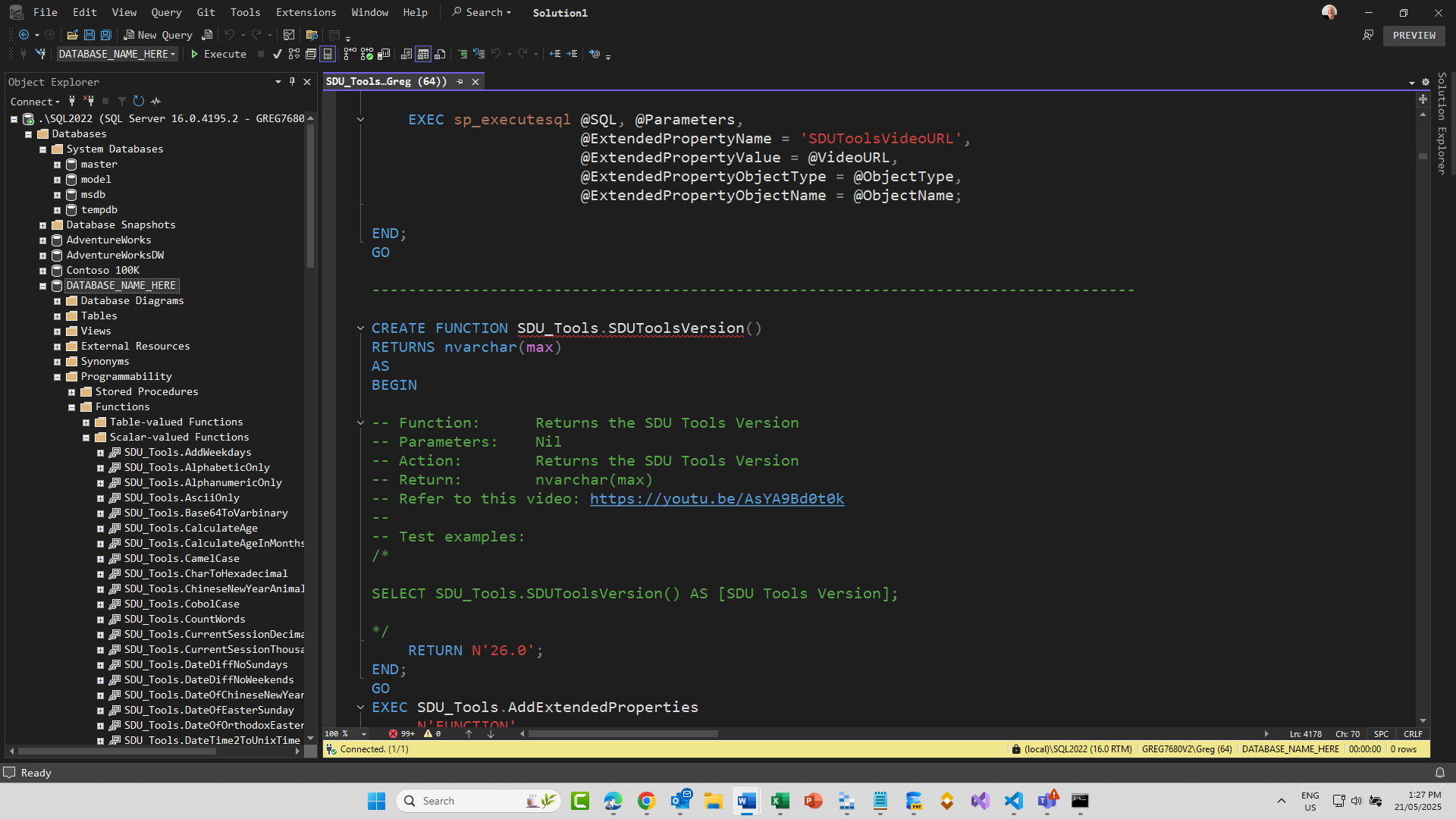
They wanted a screen that looks like this:

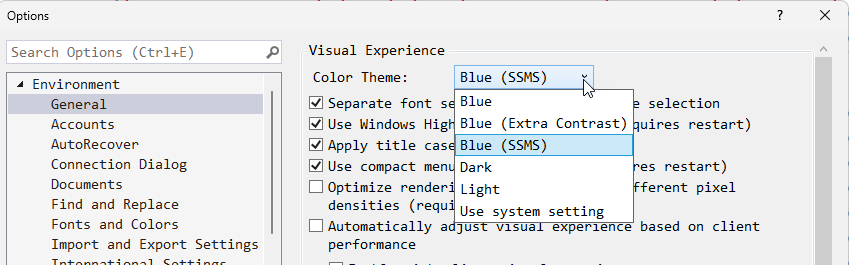
This capability is now present in SSMS. In Tools then Options then Environment then General, you can now choose a Color Theme:

Note that there are several themes now available, including a new extra contrast option.

2025-06-26

SSMS Tips and Tricks 2-12: Using zoom features

SSMS Tips and Tricks 2-12: Using zoom features

When working with SQL Server Management Studio, sometimes you need to show someone else what you’re working on, and the fonts that you’re using are just too small for someone looking over your shoulder or looking at a screen that you’ve shared with them.

What I often see someone do then, is to go into Tools and Options and start to change the font and color settings. The pain with this is that you then need to set them back later.

2025-06-24

SSMS Tips and Tricks 2-11: Use visual glyphs for word wrap

SSMS Tips and Tricks 2-11: Use visual glyphs for word wrap

Code quality has always been an important topic ever since coding began. Code complexity is an important part of this. One of the topics that came up many years ago was a discussion on what length procedures or functions should be, before they became too difficult to follow.

I remember one guy commenting that he thought as soon as all the code didn’t fit on your screen any more, you were much more likely to have bugs in it. At the time, screens weren’t all that big.

2025-06-22

SSMS Tips and Tricks 2-10: Toggle full screen

SSMS Tips and Tricks 2-10: Toggle full screen

SSMS is a great tool and it has lots of helpful menu items and toolbar items. Unfortunately, all these items take up screen real estate.

Even though you can get more screen real estate for editing, by unpinning the windows on each side, you can see that the default screen layout could be considered a bit cluttered if you really just want to focus on the particular query that you’re working on.

2025-06-20

SSMS Tips and Tricks 2-9: Adding multi-level undo, redo

SSMS Tips and Tricks 2-9: Adding multi-level undo, redo

Years ago, I had the privilege of presenting “what’s new in SQL Server” sessions at many locations around the world. When presenting sessions, you can sometimes learn as much as you teach. What I learned while delivering those sessions is that the product group sees what’s important in a release very differently to what the attendees do.

Each time there’s a new version of SQL Server, there will normally be three or four marketing pillars (groups of functionality), and each will have about eight to ten bullet points.

2025-06-18

SSMS Tips and Tricks 2-8: Scroll bar map mode

SSMS Tips and Tricks 2-8: Scroll bar map mode

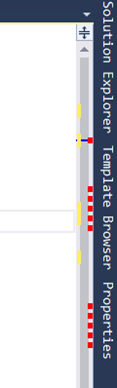
In another section, I’ve described ways to configure the scroll bar in SQL Server Management Studio (SSMS). There is another key option that I haven’t discussed previously: map mode. By default, the scroll bar shows the changes, syntax errors, etc:

If you have a long script though, it can be hard to visualize what’s in the other parts of the script. Map mode can help with this.

Right-click the scroll bar and choose Scroll Bar Options:

2025-06-16

SSMS Tips and Tricks 2-7: Making sense of the colors in the SSMS scroll bar

SSMS Tips and Tricks 2-7: Making sense of the colors in the SSMS scroll bar

In an earlier post, I described how I didn’t particularly like all the colors that are shown in the scroll bar now in SQL Server Management Studio (SSMS):

In that post, I described how to turn them all off, or at least how to kill off some of them. But, of course they are there for a reason.

Instead of turning them all off, you might decide to make sense of what they are there for. The colors that are displayed indicate the following:

2025-06-14