
SQL: Scripting SQL Server objects and data from the command line
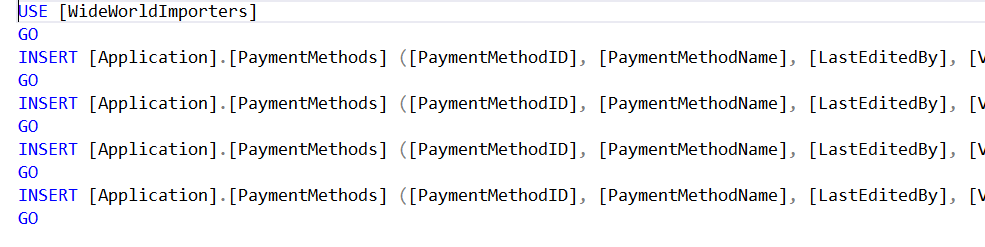
The other day I posted a shortcut article about how to use SQL Server Management Studio (SSMS) to generate INSERT statements for data.
In one of the comments, a reader asked if there was a way to do that from the command line.
The answer is yes. Apart from a variety of 3rd party tools, a few years back, Microsoft released tools to do just that.
The easiest tool is probably mssql-scripter and you’ll find an intro to it here:
They describe it as “the multiplatform command line equivalent of the widely used Generate Scripts Wizard experience in SSMS”.
Importantly, note the fact that it’s multiplatform. It’s built in python and works on Linux, macOS, and Windows and can create both DDL and DML scripts that target SQL Server, and that also includes Azure SQL Database and Azure SQL Managed Instance.
You choose where the output goes. Normally you’ll send it to .sql files but like any other Unix style utility, you can pipe its stdout to other commands.
The source code is up at github here:
https://github.com/Microsoft/mssql-scripter
I love the fact that Microsoft teams put source code like this up on github. That means that you can:
- Use it as a great learning resource
- And if you’re keen, submit pull requests to improve it
So to generate INSERT statements, you can use it like this:
mssql-scripter -S somesqlserver -d WideWorldImporters -U someuser -P somepassword –include-objects Customers –data-only
(Note that it would all be on a single line).
2026-11-04