
Fabric RTI 101: Triggering Teams, Emails, and Workflows from Activator

While Activator supports many types of actions, some of the most common and useful ones are notifications — such as sending a message to Microsoft Teams, generating an email, or updating an existing workflow.
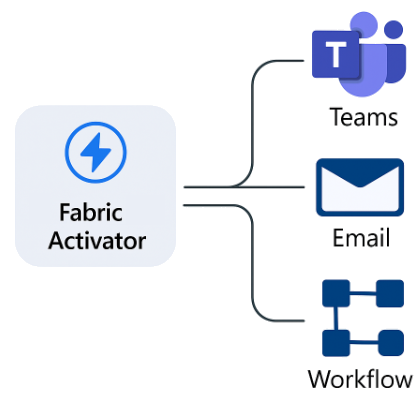
These actions help keep people in the loop. Even when automation is in place, there are times when human awareness or approval is still essential. For example, sending an alert to a Teams channel can immediately notify support engineers that something unusual has happened, while still allowing automated responses to continue in parallel.
A good approach is to combine notifications with automated remediation. For instance, if a rule detects a service failure, Activator could both: Send a Teams message or email to IT, and trigger a workflow in Power Automate or Logic Apps to restart the affected service automatically.
This creates a hybrid response — automation takes care of what it can, while people remain aware of what’s happening.
One of the key design principles in real-time operations is to balance visibility with automation. You don’t want to rely entirely on humans for time-sensitive responses, but you also don’t want automation to run silently without oversight.
In this way, Activator helps teams create responsive, transparent systems — where actions happen automatically when needed, but people are still informed and can intervene if something unexpected occurs.
Learn more about Fabric RTI
If you really want to learn about RTI right now, we have an online on-demand course that you can enrol in, right now. You’ll find it at Mastering Microsoft Fabric Real-Time Intelligence
2026-08-01