
Fabric RTI 101: Managing Fields

When working with real-time data, it’s easy for your streams to become cluttered — especially as events come from multiple sources with different structures. That’s where the Manage Fields option becomes essential.
It gives you control over the shape of your data stream. You can choose which fields to keep and drop those you don’t need, which helps reduce noise and improves performance. For example, you might remove diagnostic fields or metadata columns that aren’t needed for your analytics.
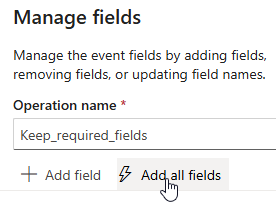
You can also rename fields to make your dataset easier to understand — for instance, changing a field like dev_id to DeviceID, or aligning naming conventions across multiple sources.
Another powerful capability is creating calculated or derived fields. Maybe you want to compute a total, a ratio, or convert a timestamp into a specific format — all of that can be done within the Manage Fields transformation step.
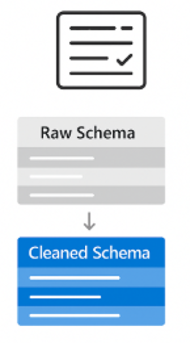
Finally, reordering fields lets you control how the output schema looks, which makes it easier for downstream processes to work with your stream.
Think of Manage Fields as your stream’s cleanup and preparation tool — ensuring that what flows into your analytics is clean, well-structured, and ready for insights.
Learn more about Fabric RTI
If you really want to learn about RTI right now, we have an online on-demand course that you can enrol in, right now. You’ll find it at Mastering Microsoft Fabric Real-Time Intelligence
2026-04-03