
SSMS Tips and Tricks 7-14: Adding support for Analysis Services, Integration Services, and Reporting Services

When I first installed v21 of SSMS, I was puzzled that many of the connection options in Object Explorer were greyed out:
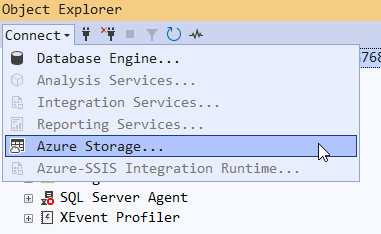
Because I had been working on a preview version, I thought it just wasn’t there yet. But when I checked the release notes, I saw it should be there. The issue is that I hadn’t added the Business Intelligence workload.
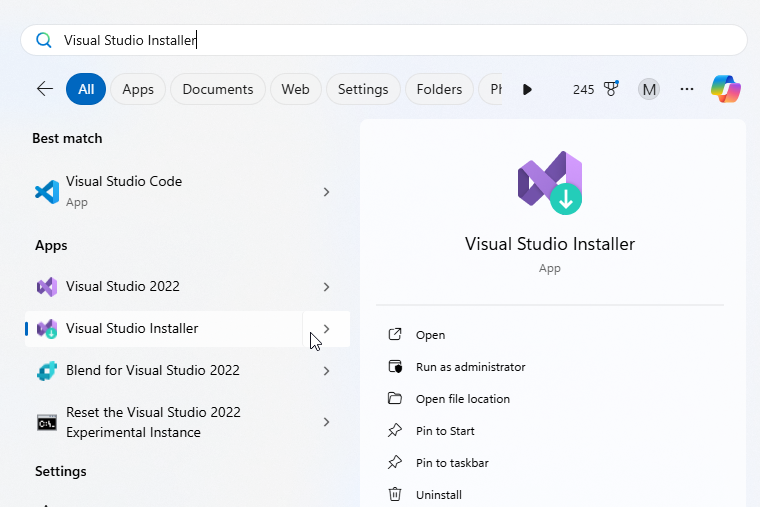
You don’t do that from within SSMS. Instead, you need to run the Visual Studio Installer:
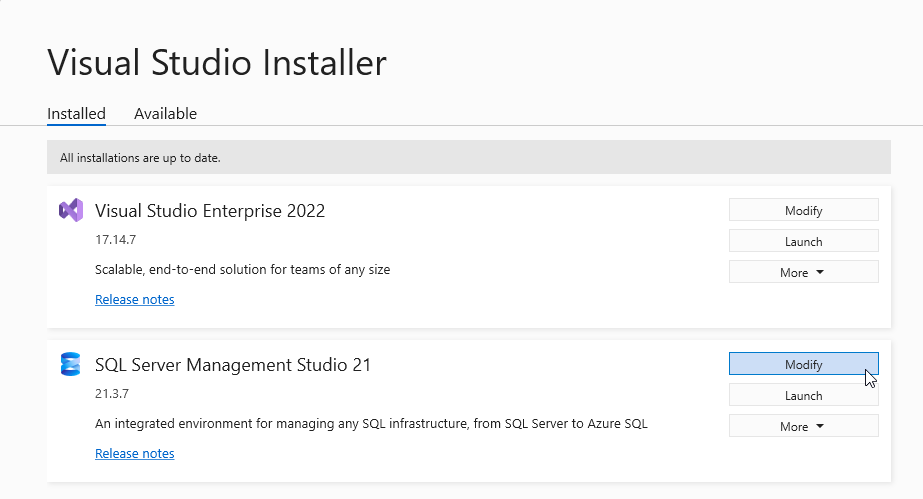
When it opens, you need to modify the SSMS installation:
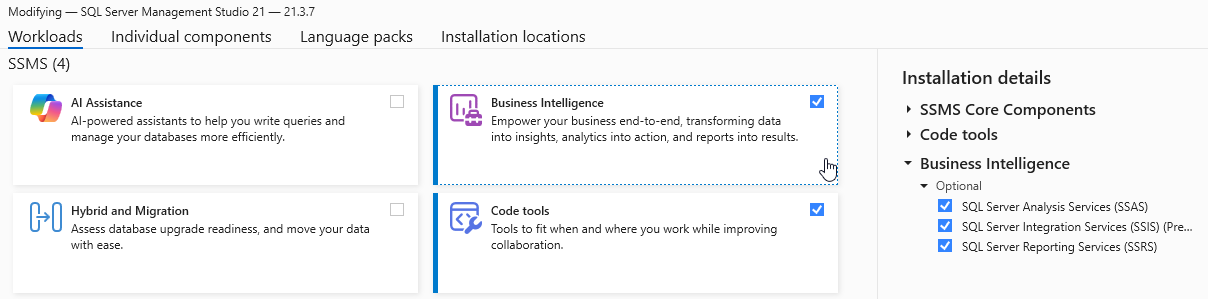
Make sure the Business Intelligence workload is installed:
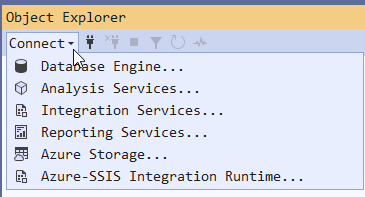
And on restart, we’re back to the options we expected:
SSMS Tips and Tricks Free eBook
Want to become a wizard on using SSMS? My free eBook covers so many tips and tricks, including this one. You’ll find it, and many other free resources from us, here: https://sqldownunder.com/freestuff/
2025-10-24