SSMS Tips and Tricks 8-6: Using the PowerShell terminal
SSMS used to have a built-in web browser. That’s now gone.
What was added, though, is a Developer PowerShell window. On the View menu, you can choose Terminal.
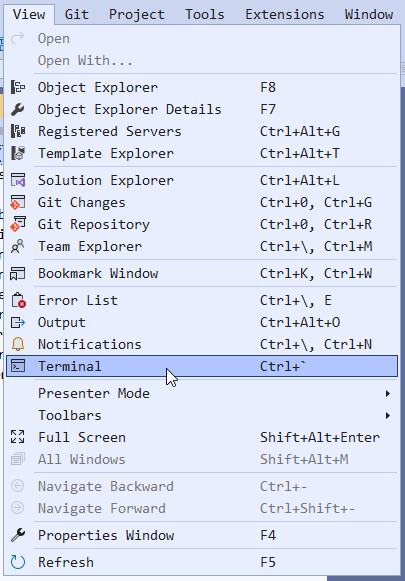
This will then open a Developer PowerShell window:
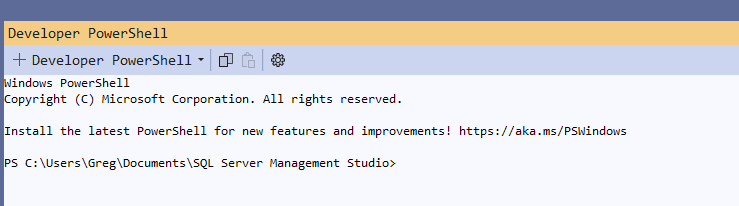
Note that you can change the version of PowerShell that’s launched, from the drop-down. But the Settings option will take you to the Tools Options page where the Terminal can be configured.
2025-10-12