
Fabric RTI 101: Monitoring and Managing Activator Triggers

Once Activator is running, you’ll want to monitor how your triggers behave and manage them effectively.
Each time a rule condition is met, Activator generates a trigger event. These can be viewed in the monitoring interface, where you’ll see a history of rule activations, timestamps, and outcomes.
Monitoring this activity helps confirm that your rules are working as intended — and also lets you catch unexpected behavior, such as overly frequent triggers or false positives.
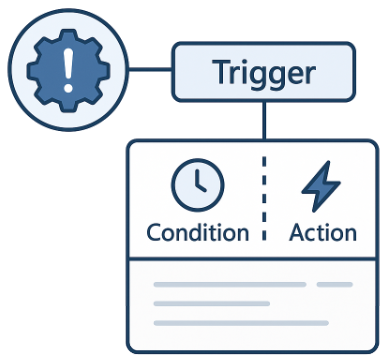
You can pause or edit rules at any time, which is useful during testing or maintenance. If a rule becomes obsolete, it can be deleted without affecting the rest of your setup.
It’s also a good practice to review action delivery logs — these show whether notifications, workflow calls, or API requests were successfully executed. That’s especially important when integrating with external systems like Power Automate or Logic Apps.
Finally, be mindful of duplicate or looping triggers — for example, a trigger that causes a downstream update, which in turn re-fires the same rule. These can be avoided by adding clear trigger conditions or temporary suppression periods.
Taking time to monitor and maintain your triggers ensures your Activator environment remains reliable, efficient, and predictable — especially as it scales to handle more signals and automated actions.
Learn more about Fabric RTI
If you really want to learn about RTI right now, we have an online on-demand course that you can enrol in, right now. You’ll find it at Mastering Microsoft Fabric Real-Time Intelligence
2026-08-03