
SSMS Tips and Tricks 1-14: Pane options in Edit N Rows

(Thanks to Klaus Oberdalhoff for this one)
Klaus noted that when EDIT TOP n is used, only the result is displayed. That’s different to the SELECT TOP n option where the query appears as well and can be edited.
However, after executing EDIT Top n, in the table displayed, right-click and you’ll see a menu item for Pane.
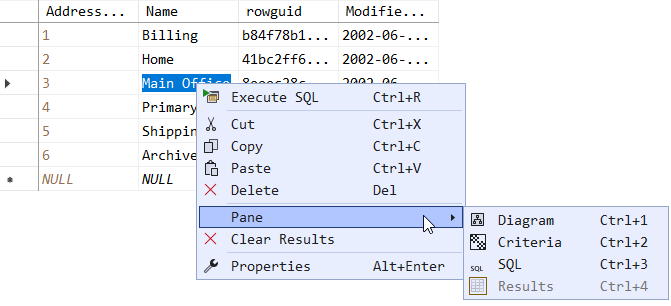
The sub-menu has the following options:
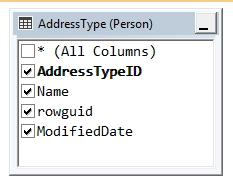
- Diagram - Shows the underlying table as a database diagram
- Criteria - Shows the graphical query editor
- SQL - The SQL script that was used to open the editor
- Results - Hides or shows the editable table
Diagram
This option leads to a database diagram like this:
Criteria
This option leads to a graphical query editor like this:

SQL
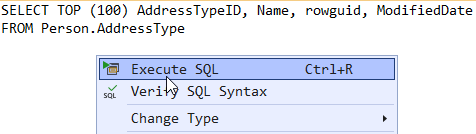
No surprise that this one leads to a SQL query pane:

After changing the SQL statement, you need to re-execute the SQL query. You can do that by right-clicking in the query pane, and clicking Execute SQL.
2025-12-07