
SSMS: Navigate as you type in sorted SSMS Object Explorer Details pane
I’ve mentioned a number of times how useful I think the Object Explorer Details panel is in SQL Server Management Studio.
Another option in that panel that might not be so obvious is the sorted navigation. Here’s an example.
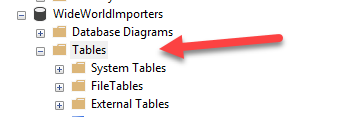
I’ve opened WideWorldImporters in Object Explorer, and clicked on the Tables node:
I then hit F7 to open the Object Explorer Details pane, and click the Name heading to sort the table list:
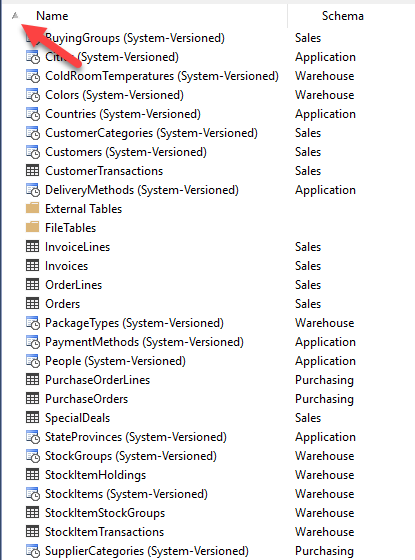
Then if I type (say the letters Pe), you’ll notice that I’m positioned immediately to the first table starting with Pe.

When you have a small number of tables, this is no big deal, but when you have a lot of tables, this is very useful.
SSMS Tips and Tricks Free eBook
Want to become a wizard on using SSMS? My free eBook covers so many tips and tricks, including this one. You’ll find it, and many other free resources from us, here: https://sqldownunder.com/freestuff/
2018-04-05