SDU Tools: Token Set Similarity in SQL Server T-SQL
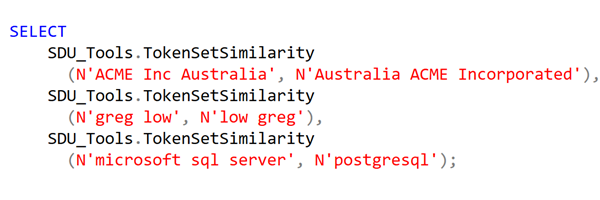
Our free SDU Tools for developers and DBAs, now includes a very large number of tools, with procedures, functions, and views. The TokenSetSimilarity function calculates token set similarity for two strings.
It answers the question: Do these two strings contain mostly the same words, even if the order, spacing, or repetition differs?
It is useful where word order varies, or extra or missing words are common. It can also help where character-level typos are less important than the presence of words.
2026-04-04